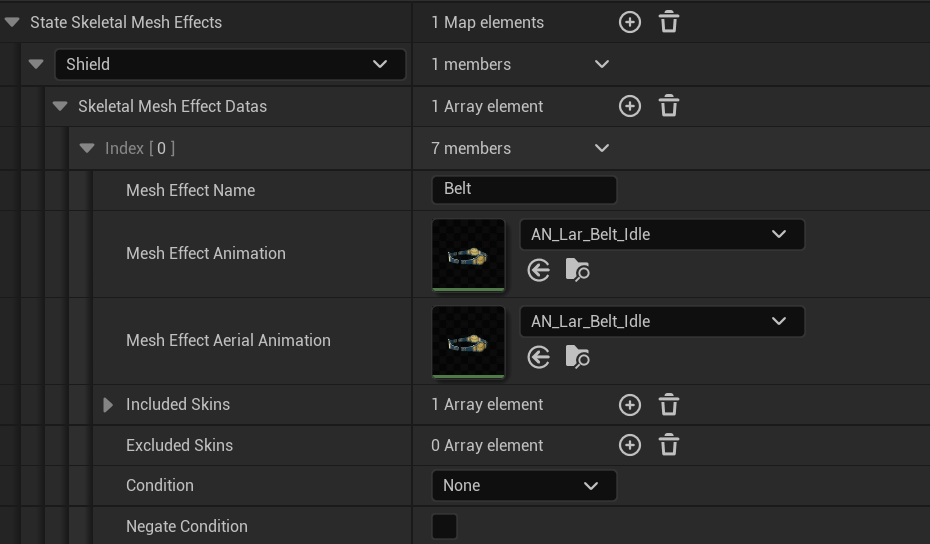
Shield mesh and material overrides are assigned in the skin data blueprint.
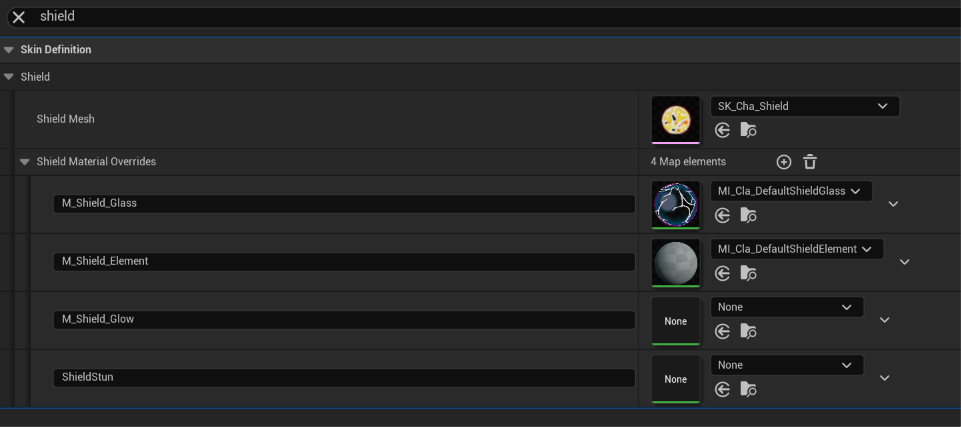
The base cast all use the SK_Cha_Shield Mesh, some also use mesh effects or VFX to enhance the visuals in this state.
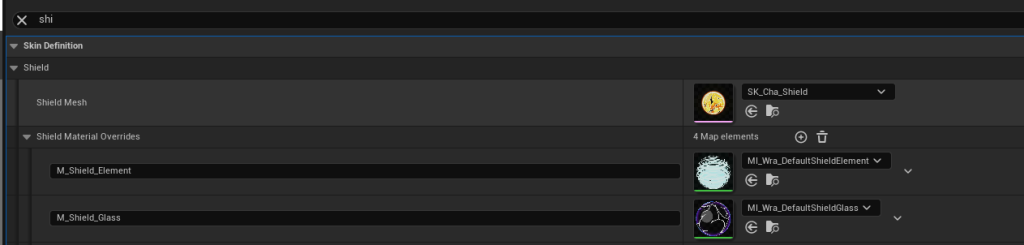
The shield mesh uses multiple materials layered to create the visual effect, a glass layer that is consistent across every character and an elemental layer which is handled in one of two ways- it can be a material with a Health parameter that goes from 1 to 0 like Zetterburn, Ranno, Wrastor; or you can have an effect inside as well like Etalus, Olympia, Maypul, etc.
- M_Shield_Element → this is the material that goes from 1 to 0. If you don’t want that, and prefer to use an VFX effect for it, you can insert a MI_Cha_Invisible material inside
- M_Shield_Glass → everyone uses the same one.
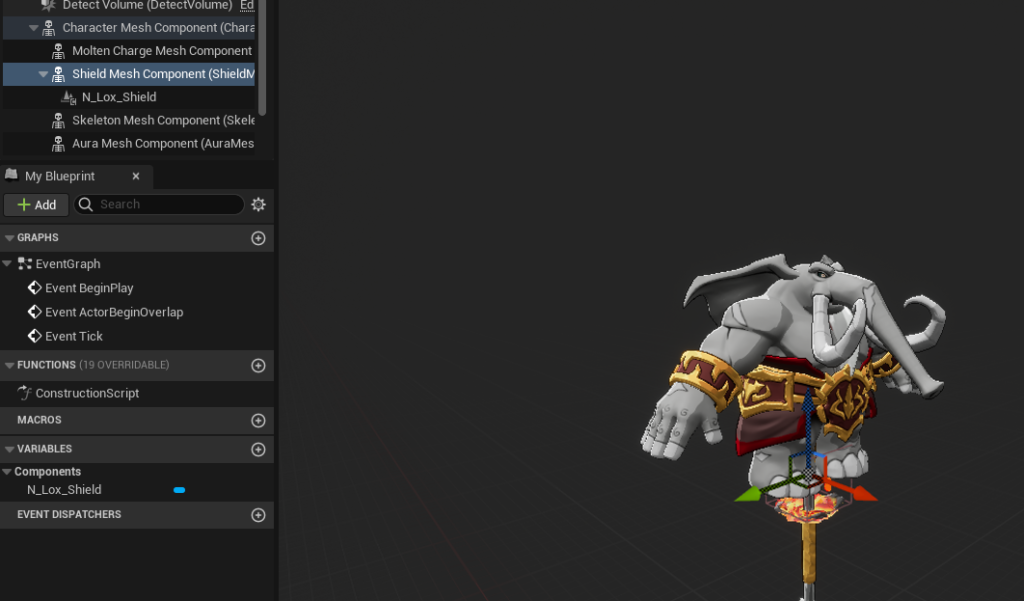
To set an effect as a shield, go to the BP_YourCharacter_Default, the main BP of your character, and look for a Shield Mesh Component and assign it there. Do not worry that it might look tiny, it will scale in game. We recommend that you copy one of the shield particles in the projects and use the scale settings to match your character.
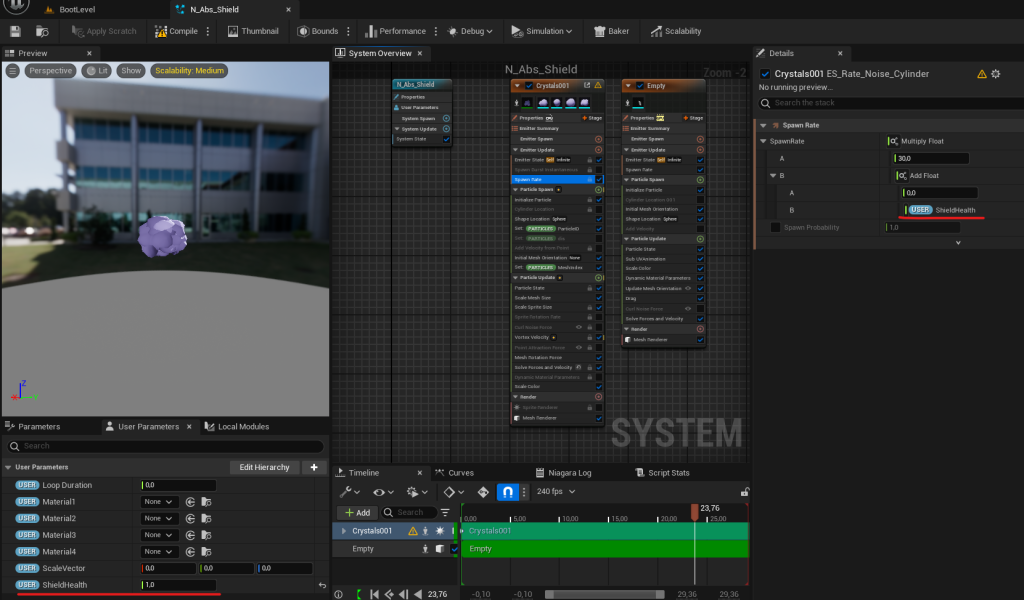
The parameter in the particle effect that drives everything is called ShieldHealth. You can use it to control the spawn rate, size and everything else with a lerp
You can also set a Mesh Effect to display during shield states in your character data. The health of the shield will drive the “Dissolve parameter” on any materials assigned to this mesh effect during all shielded states that it is assigned to.