
Windows Users
The Rivals of Aether 2 Workshop includes an install of Unreal Engine 5.8 along with the majority of the Rivals of Aether 2 project files. You will have access to all of the content that makes up the main game as well as the full Unreal toolset at your disposal.
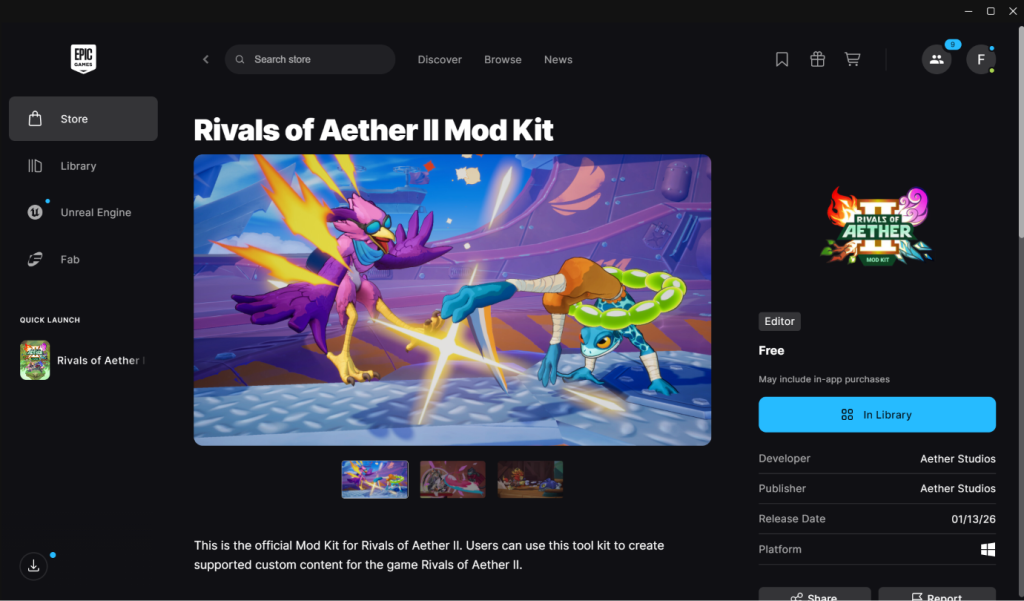
First download and install the Epic Games Launcher and find the Mod Kit at:
https://store.epicgames.com/en-US/p/rivals-of-aether-ii-mod-kit
WARNING: To avoid potential publishing issues later on due to limitations on filepath length the modkit should be installed as close to the root of your chosen install drive as possible!
(EG: C:\R2ModKit)
You will also need to download and Install Steam.
You must be logged in with Steam running in the background when you launch the editor in order to create or publish mods.
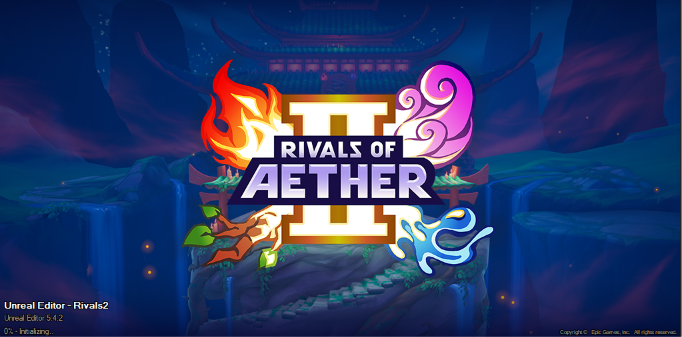
The initial launch of the modkit must compile shaders and can take a very long time depending on your hardware configuration, expect compile times of up to an hour or more the first time you launch the workshop. This is a one time process, however future updates or changes to graphics hardware/software configuration (Graphics driver updates for example) may introduce further compile times.
For production of your own 3D game assets we recommend downloading Blender. This free high quality toolset that has become widely adopted across the modding community.
While the learning curve for Unreal and Blender can be steep, there are many learning resources available for both of these Programs, with some patience you will be making your own characters in no time!
When you’re ready to proceed we will begin exploring the Unreal UI.
Linux Users
The ROA2 workshop modkit is currently only officially supported on Windows, however some users have had success running it on Linux with some custom configuration.
(Thanks to workshop user Ukelele0451 for instructions for Linux Mint)
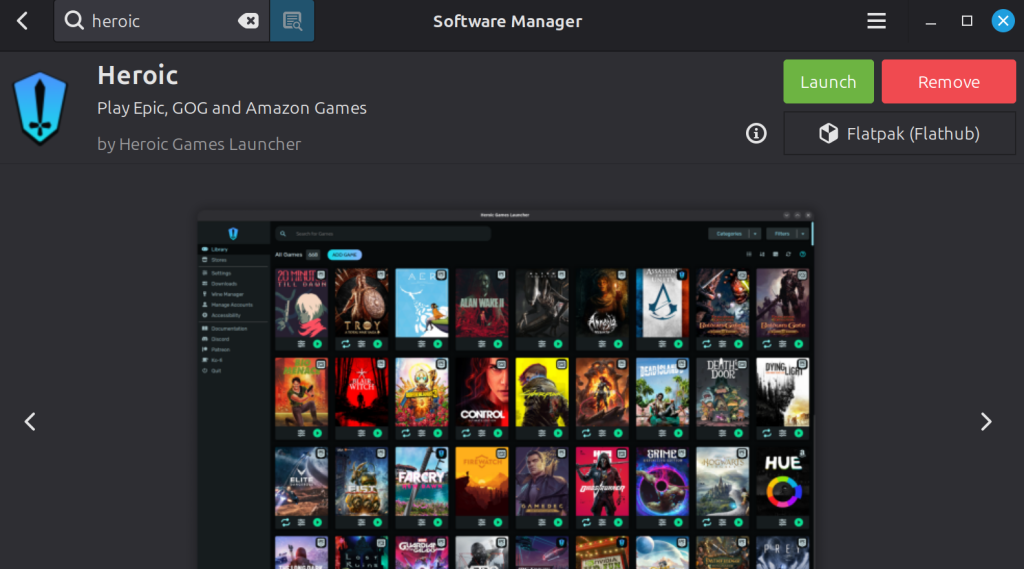
Step 1: Go to your software manager of choice (On Linux Mint it is called Software Manager, other distributions may call it something else) and download the Heroic Games Launcher.
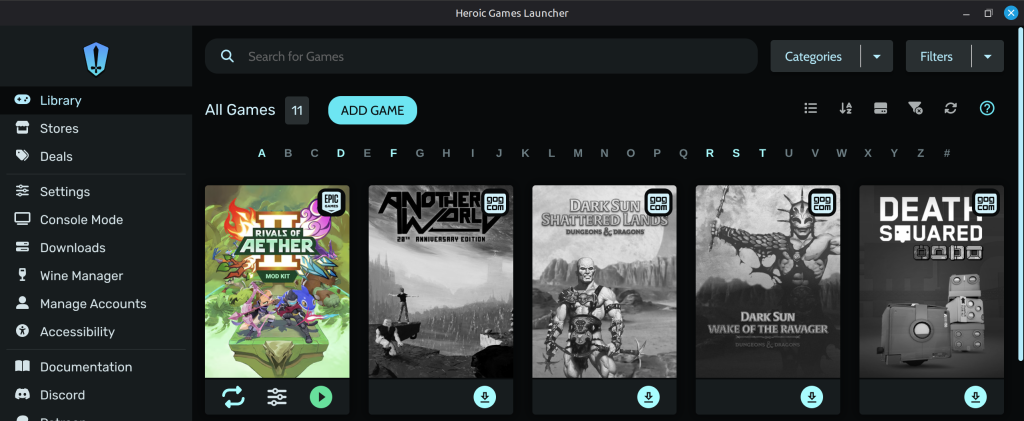
link your Epic account and look for the Rivals 2 modkit
Ensure “use Steam runtime” is checked in settings.
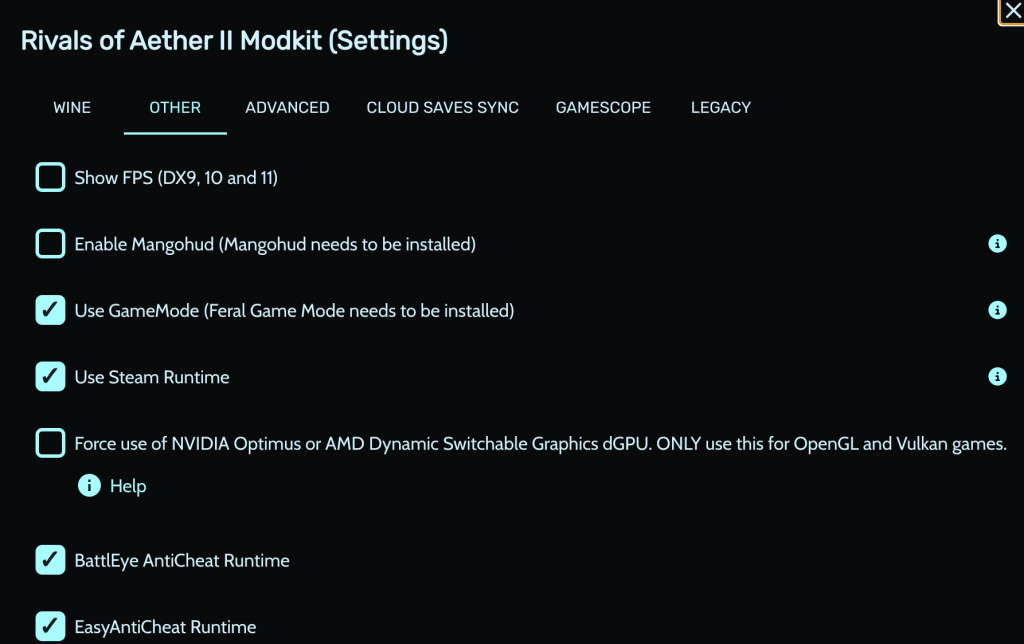
- Step 2: Open Steam and go to your library, select “add non-steam game”
- Open the directory where Heroic is installed and look for “OpenProject.bat”
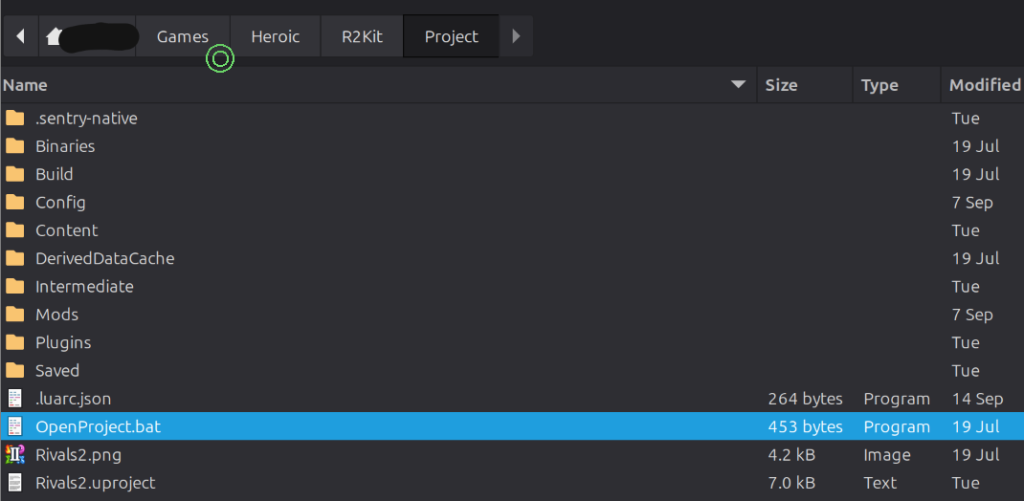
Ensure that “all files” is selected, by default Steam will only look for .exe files.
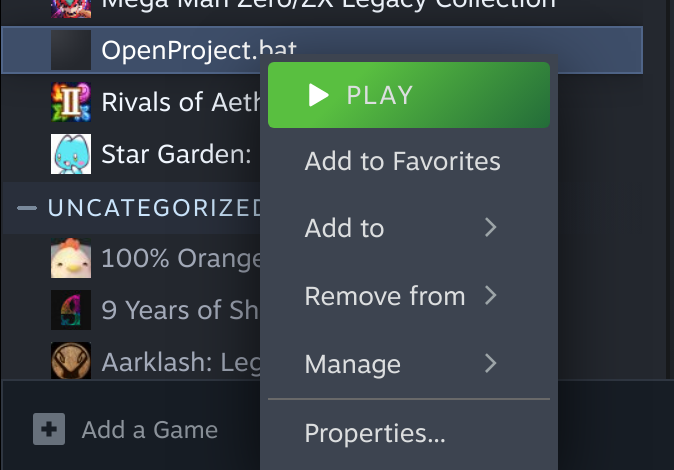
Copy the following text into Launch Options
STEAMAPPID=2217000 %command%

Under Compatibility, force use of Proton Hotfix, if that doesn’t work, try Proton Experimental.
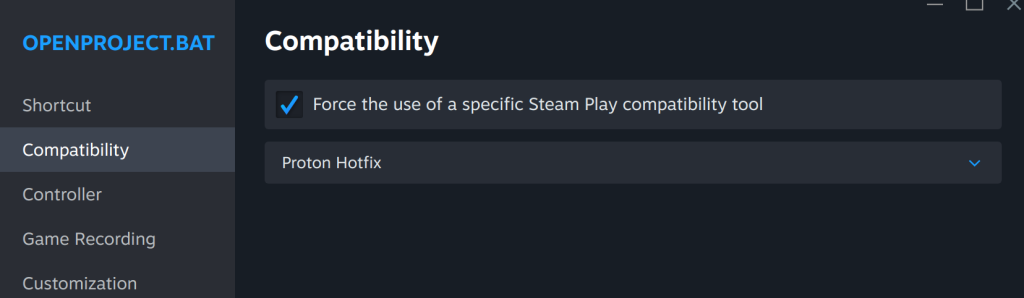
With these configurations complete you maybe able to launch the modkit depending on your version of Linux.